Your new generation solution for usability testing.
We provide AI-powered solution that enable your usability testing to be quicker, safer with brilliant insights.
Usability testing is a critical phase in product development where real users interact with a prototype or product to evaluate its functionality, ease of use, and overall user experience. The goal is to identify any usability issues before the product goes to market, ensuring that it meets user expectations and is free from functional errors.
"Why usability testing needs TIADA?
Solve general pain points of traditional usability testing process.
Problems in traditional usability testing

Time & Money costing
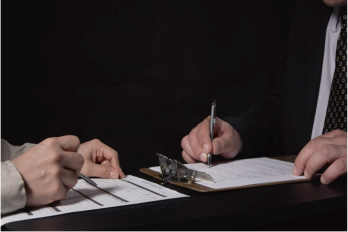
Traditional methods require the recruitment and scheduling of participants, setting up testing environments, conducting the tests, and then analyzing the results. This process is not only slow but also expensive. Team gets delay feedback as well.
Limited Scope and Scale
Often, tests are conducted with a small number of users due to budget and time constraints. This can lead to a lack of diversity in user feedback and potentially overlook important usability issues.

Insecure Process
Testing with external (public) users involves risks of leaking new product idea. Sometimes highly-protected creative patent requires more intense secured testing process, thus even internal testing with real human is constrained.
How TIADA powers up your usability testing?
Quicker
Conduct instant usability testing along with your work anytime anywhere. Get feedback in minutes.
Insightful
Get insights with wide test cases and AI-assisted deep observation.
Safer
Test widely but never go through risk on leaking your new creative idea to public.
Merge usability testing into your quick product cycles in a safer and insightful way.
How TIADA works?
Only 4 steps to get amazing insights.
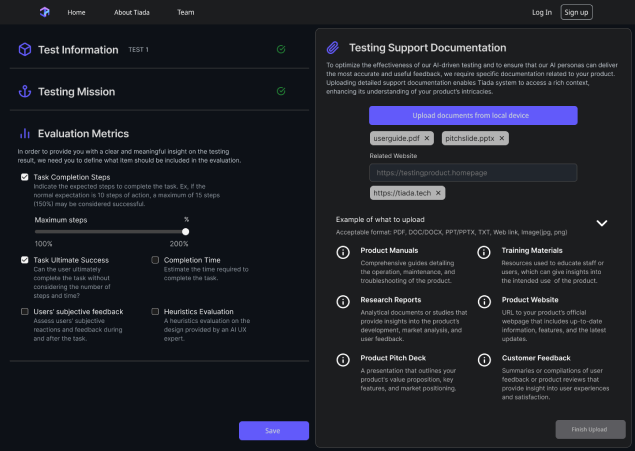
1. Set up the testing context.
Fill up the testing product information, testing mission and upload supporting documents to help TIADA better understand your testing context.
The documents and data you provided are safely protected by Tiada.
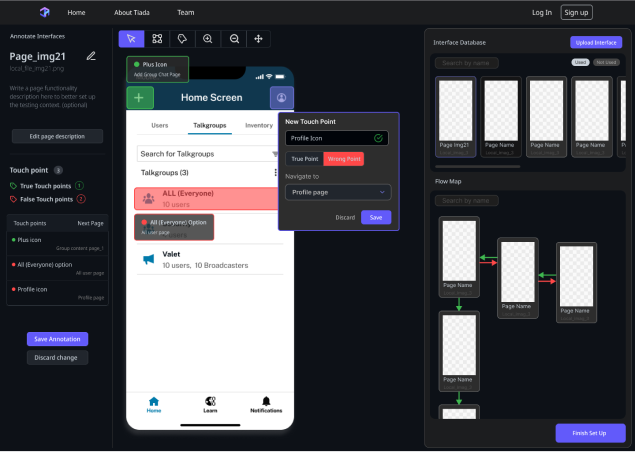
2. Depict testing prototypes
Upload and depict the product user flow you want to test on within our intuitive interface. Easily illustrate ideal interaction, optionally provide confusing cases.
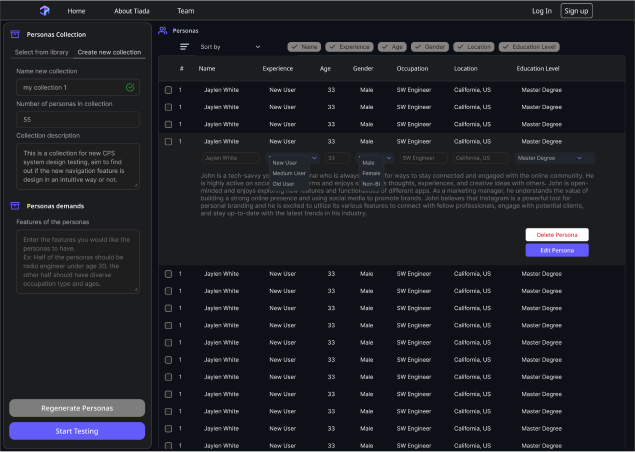
3. Generate and customize testing personas
Tell us your what kind of features you want to have on your AI persona tester. Or directly use our AI tester collection. Customize each persona on your demands.
4. Check results!
Wait a few minutes to see detailed testing results include each AI persona testers interaction and feedback on your prototype. Also view other evaluation metrics insights and suggestion from our AI researcher.
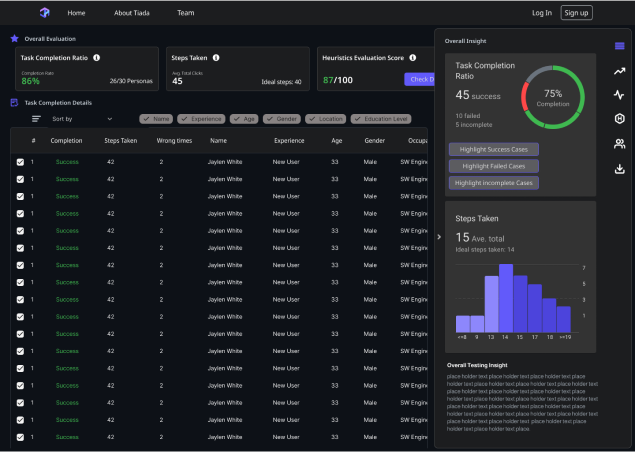
What to expect on testing results?
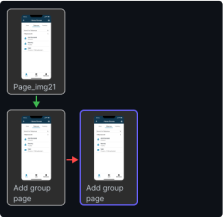
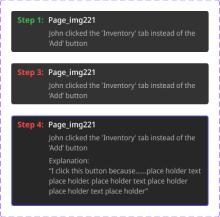
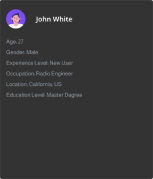
AI tester interaction details
Track each AI tester's interaction and feedback details on every page of the prototype and the whole user flow.
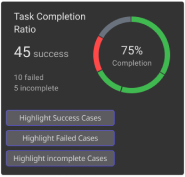
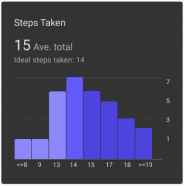
Overall statistic data
Static data calculated based on all testers data and testing process.
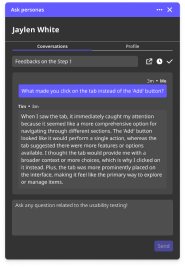
Follow-up chat
Chat with AI tester, dive into their interaction and feedback on the prototype, gain a deep insight on your product.
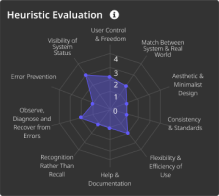
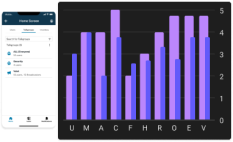
Heuristics evaluation
Heuristics evaluation on the prototype and each page based on 10 Usability Heuristics for User Interface Design by Jakob Nielsen, provided by UI expert AI.
Have any suggestion on other testing results metrics?
Please contact us and our team will get back to you soon.